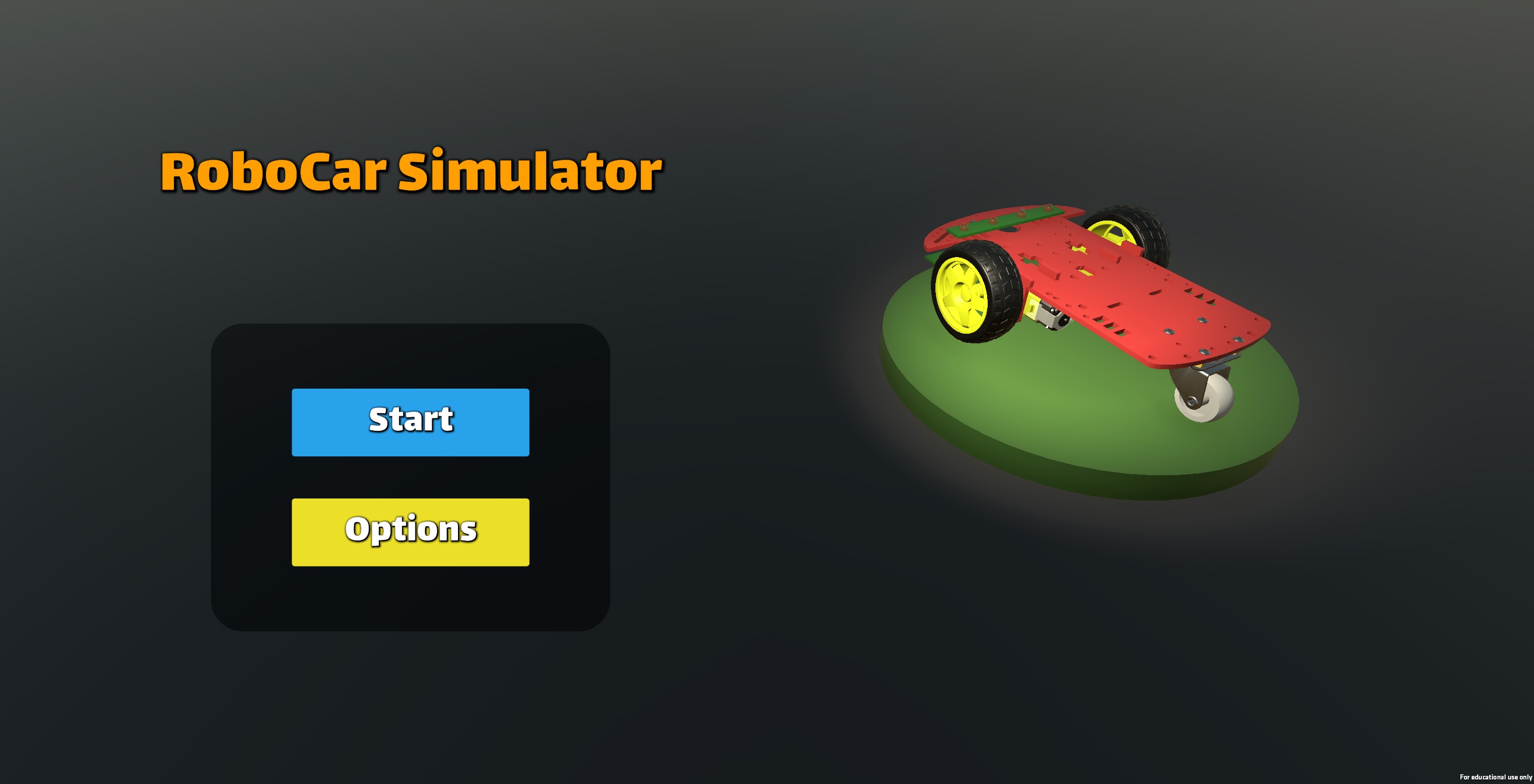
RoboCar Simulator
RoboCar Simulator: Code Your Way to the Finish Line!
Ready to become a robotics programmer? Design the brain of your very own autonomous vehicle using Lua! 🧠✨
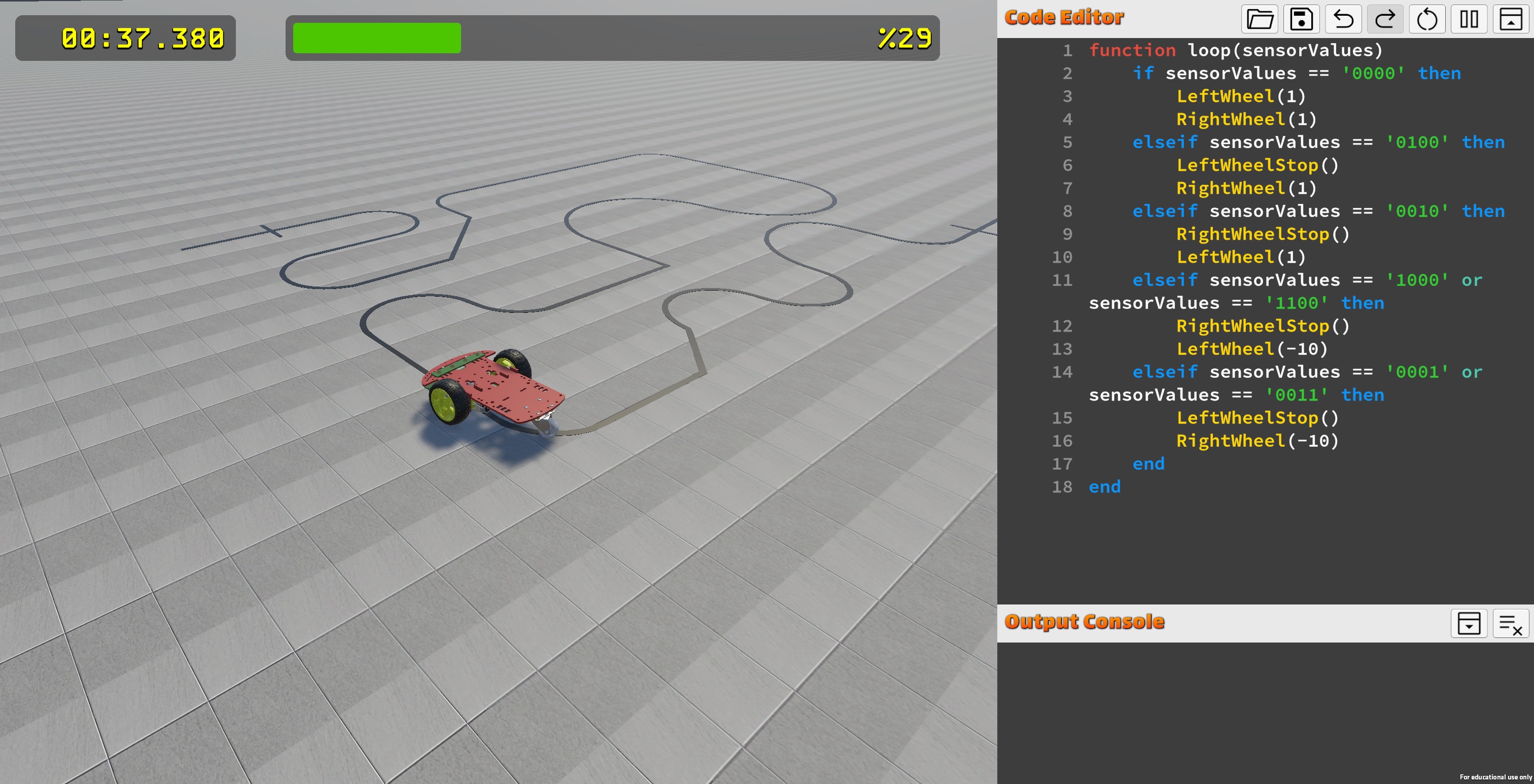
RoboCar Simulator is a fun, interactive educational platform built for anyone who wants to dive into the world of robotics. No complex setups or expensive hardware required—just jump in and start coding your robot to follow the track perfectly! 🛠️💻
🚀 What’s the Mission?
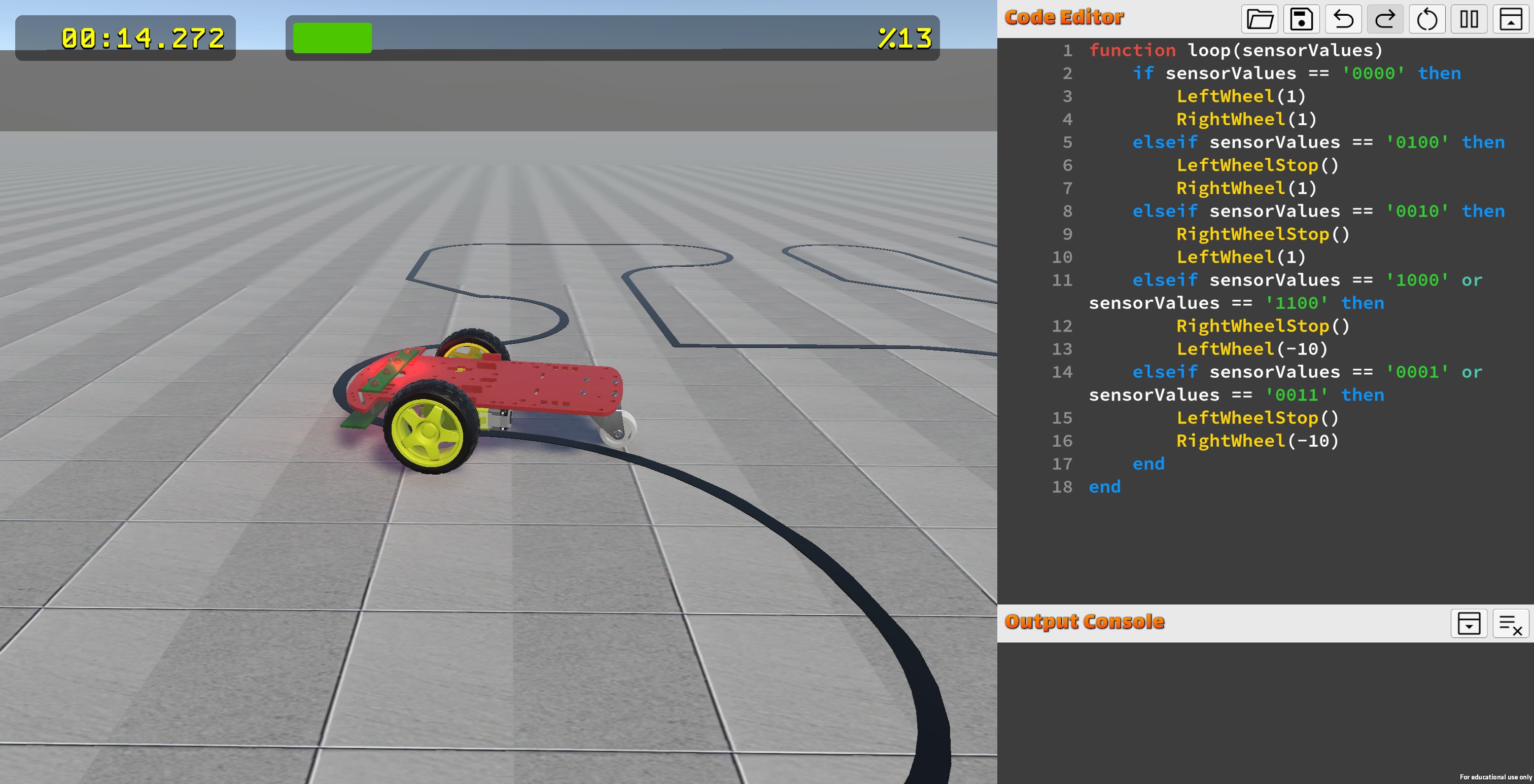
Your goal is to read data from the robot’s sensors and give the right commands to the wheels. Whether the robot stays on track or spins out of control depends entirely on the logic you write! 💨
- Real-Time Coding: Write your script, hit "Play," and watch your robot react instantly! ⏱️
- Simple Commands: Use beginner-friendly functions like
LeftWheelandRightWheelto control the motors. ⚙️ - Speed & Precision: Track your lap times and completion percentage. Can you beat your own high score? 🏆
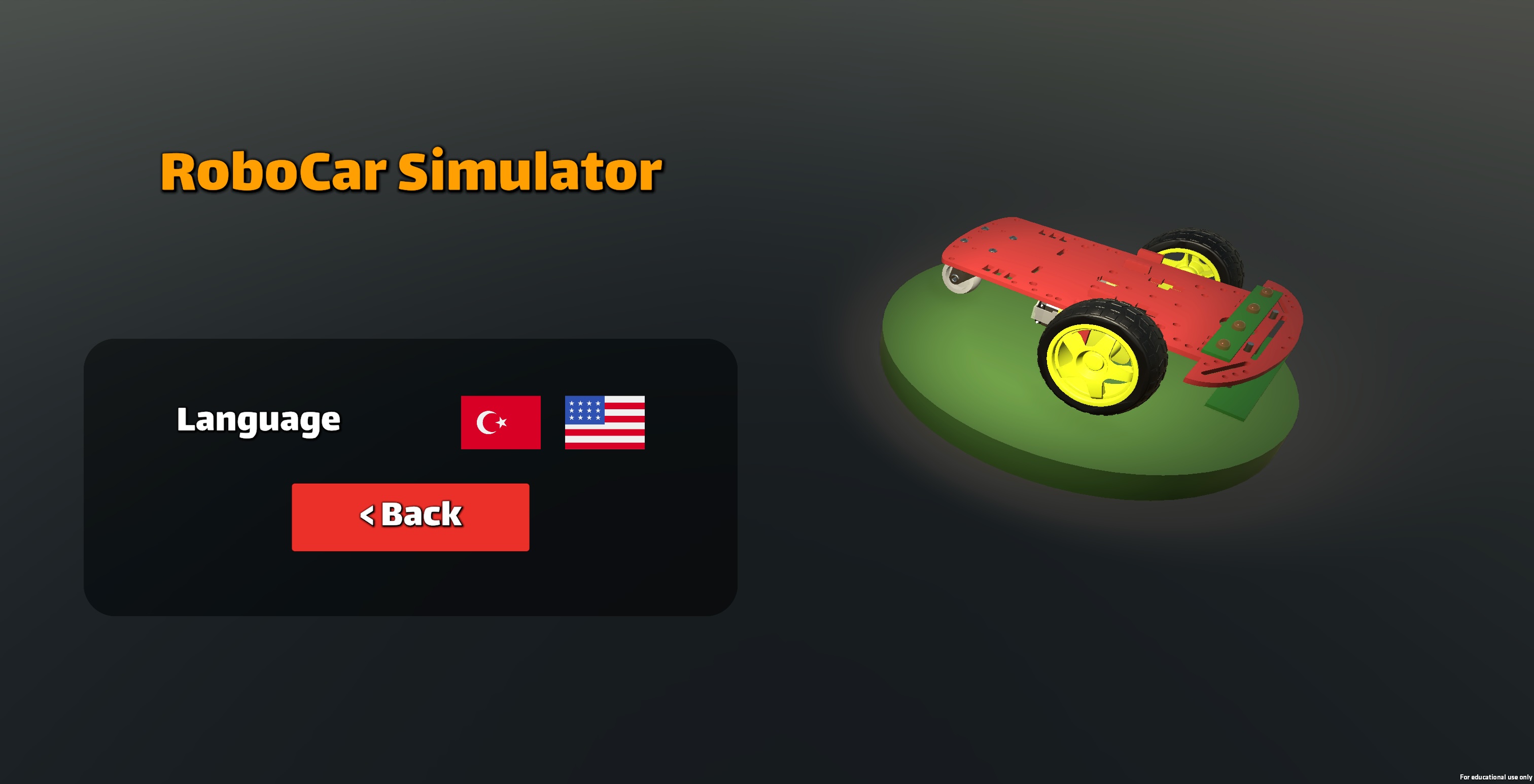
- Global Learning: Switch easily between English and Turkish to learn in the language you're most comfortable with. 🌍
- Realistic Physics Engine: Experience a simulation where weight, friction, and momentum actually matter, forcing you to fine-tune your code for smooth acceleration and precise braking.
🛠️ Your First Script! (Boilerplate)
Need a head start? Use this template to get your robot moving. Copy and paste it into the simulator and see your code come to life: 🎈
-- Use this code to get your robot started! 🚀
function loop(sensorValues)
    if sensorValues == '0000' then
        -- Sensors see the line: Full speed ahead! 🟢
        LeftWheel(1)
        RightWheel(1)
    elseif sensorValues == '0100' then
        -- Line drifted left: Adjust the steering! ↪️
        LeftWheelStop()
        RightWheel(1)
    elseif sensorValues == '0010' then
        -- Line drifted right: Steer back! ↩️
        RightWheelStop()
        LeftWheel(1)
    elseif sensorValues == '1000' or sensorValues == '1100' then
        -- Sharp left turn! Handle with care! ⚠️
        RightWheelStop()
        LeftWheel(-10)
    elseif sensorValues == '0001' or sensorValues == '0011' then
        -- Sharp right turn! Keep it steady! ⚠️
        LeftWheelStop()
        RightWheel(-10)
    end
end
✨ Why Choose RoboCar Simulator?
- Learn by Doing: Don't just read about code—apply it to solve real-world logic problems! 🎓
- Zero Hardware Costs: No need for pricey robot kits; everything is digital and ready to go. 💸
- Exciting Challenges: Test your algorithms on different tracks and master the trickiest curves. 🎢
- Perfect for Classrooms: A great tool for teachers and students to explore robotics together in the lab! 🏫
🕹️ How to Command Your Robot
To guide your RoboCar, you need to use specific functions in your Lua script. These commands control the motors and read the track sensors.
⚙️ Motor Controls
You can control the left and right wheels independently to move, turn, or spin:
LeftWheel(speed): Rotates the left wheel at the speed you set.RightWheel(speed): Rotates the right wheel at the speed you set.LeftWheelStop(): Instantly brakes the left wheel.RightWheelStop(): Instantly brakes the right wheel.ApplyBrakes(): Instantly brakes the both wheels.
ReleaseBrakes(): Releases the brakes for both wheels.
Pro Tip: Use positive numbers (like10) for forward motion and negative numbers (like-10) to reverse a wheel for super-sharp turns! 🔄
📡 Understanding Sensors (sensorValues)
The loop function receives a special input called sensorValues. This is a 4-digit text string (e.g., '0110') that tells you what the sensors see:
1: The sensor is over the black line.0: The sensor is over the white floor.
🧠 Logic Examples
Use if statements to tell your robot what to do in different situations:
- Straight Line (
0000): Give both wheels equal speed to go fast! 🏎️ - Drifting Left (
0100): Stop the left wheel so the right wheel pushes the robot back toward the center. ↪️ - Off the Track?: If the sensors show
'1111', your robot might be lost! Write a plan to help it find the line again. 🔎
Your robot is waiting! Write your code, start the engines, and cross that finish line! 🏁🌟
Development log
- Türkçe Anasayfa95 days ago